
sitemap: false
I built this Python automation engine because creating short videos every day manually was taking too much time. The process was always the same: choose a topic, write a script, create visuals, generate voiceover, add captions, render the video, upload it, and then save the publishing details somewhere.
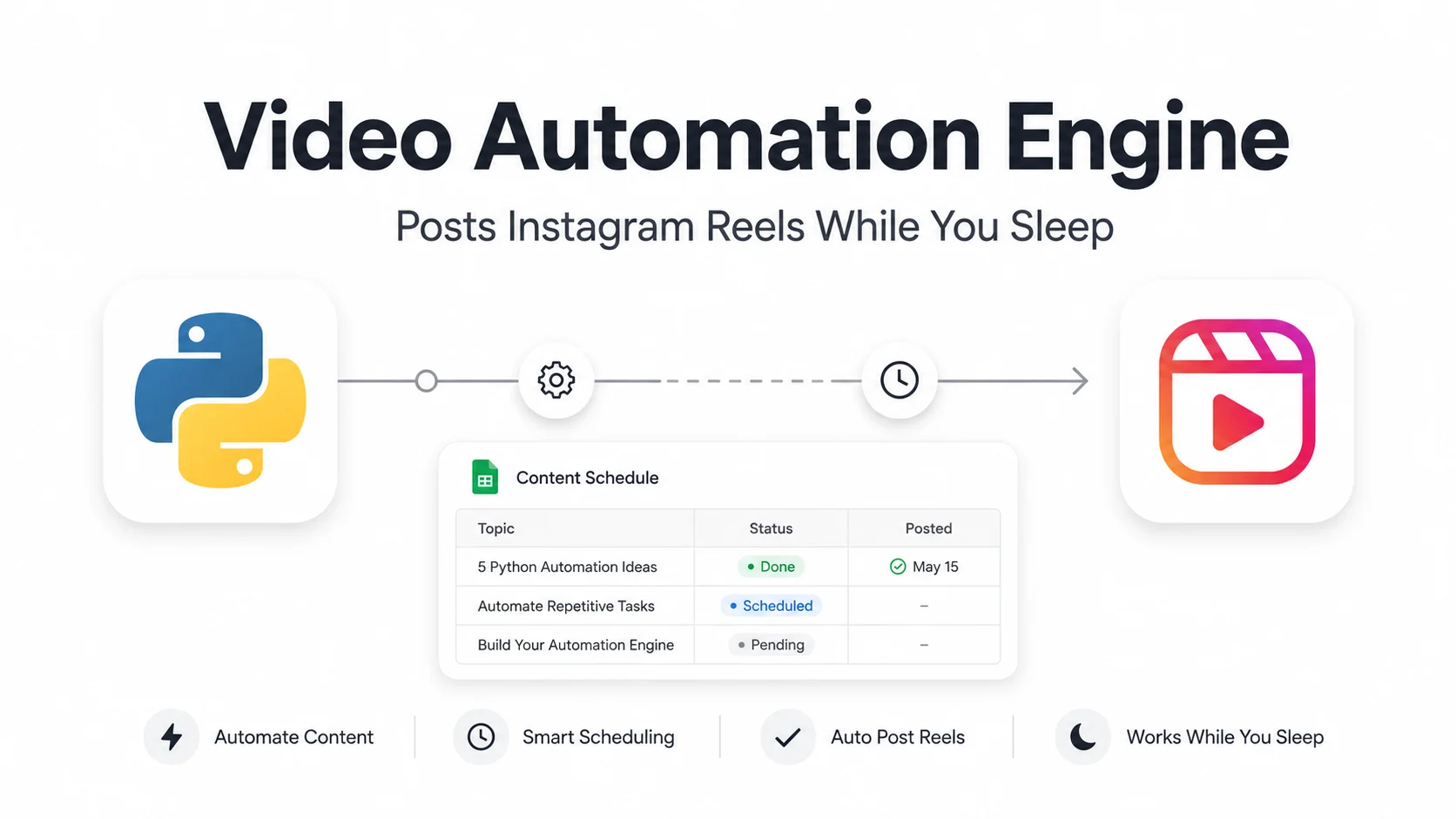
Now the system does that workflow for me. It reads topics from Google Sheets, generates the short video, creates captions, uploads it to Instagram Reels and YouTube Shorts, then saves the result back into the sheet.
The best part is the schedule logic. I set the publishing schedule one time, and after that the engine follows it automatically. If I set it to post once a day, it runs once a day. If I set multiple publishing slots, it checks the sheet before each slot, picks the next pending topic, creates the video, publishes it, and logs the result.
You can view the project here: VideoAutomation on GitHub.
What this Python automation engine does
This is not just a script generator or a video renderer. It is a full short-form content pipeline built to move from topic to published video with as little manual work as possible.
The system uses Python as the main automation layer, GitHub Actions for scheduled runs, Google Sheets as the topic queue, and publishing APIs to push the final video online.
The schedule only needs to be set once
The schedule is handled through GitHub Actions cron. That means I do not need to open the dashboard every morning or keep my computer running in the background.
Once the schedule is configured, the workflow runs according to that timing. Each scheduled run wakes up the pipeline, checks the Google Sheet, finds the next topic marked as pending, processes one video, uploads it, then updates the sheet with the result.
This is what makes the system feel different from a normal video tool. A normal tool waits for you to click a button. This engine follows the schedule I already set and keeps publishing based on that rule.
Google Sheets controls the daily topics
The sheet is where the whole workflow starts. I add video topics there, set the status as pending, and the automation picks the next item when the scheduled run starts.

This sheet shows how the automation reads daily topics and saves publishing details after each scheduled run.
This makes the system easy to control. I do not need to open the codebase every day. I only need to update the sheet, and the engine knows what to process next.
It posts Instagram Reels automatically
The Instagram side is already part of the workflow. The automation creates the Reel, uploads it, and logs the result. That means the video does not just sit inside a folder waiting for me to upload it manually.
The feed above shows the daily Instagram Reels output created by this automation while I am offline or sleeping.
How the video pipeline works
The pipeline starts with a topic from Google Sheets. Then the system generates a script, creates scene visuals, produces the voiceover, trims silence, adds captions, applies background music, renders the final MP4, and uploads the video.
For script generation, the engine can use Gemini. For visuals, it can use Imagen through Vertex AI. For voice, it supports providers like ElevenLabs, Murf.ai, and Cartesia Sonic. For captions, it uses word-level timing so the text feels synced instead of randomly placed.
The system also supports scheduled daily publishing through GitHub Actions. That is what makes it useful. My computer does not need to stay on for the workflow to run.
Why this saves real time
Short-form content looks easy until you try to publish every day. The boring work is not one big task. It is ten small tasks repeated over and over.
This automation removes most of that repetitive work. I still control the ideas, topics, and direction, but I do not have to manually build and upload every single Reel.
That is the result I wanted: wake up, check the sheet, and see that the video was already created, posted, and logged.
Same video examples from the pipeline
These examples show the kind of short-form videos the engine is designed to produce. The focus is tight pacing, readable captions, voice flow, and simple vertical video output.

They Lied About Power | The Unbreakable Path of Silence
Tight pacing. No wasted seconds.

The 3 Unseen Pillars of Mental Dominance
Hook clarity test.

How Manipulators Control Your Mind
Caption rhythm and timing.

The Silent Prison of Desire
Voice cadence and flow.

WHEN EVERYTHING GOES WRONG: The Art of Rising in Silence
Scene transitions without being cheesy.

Your Suffering Is Meaningless. This Is Your Only Path to Power.
Punchy delivery test.
Who this is for
This Python automation engine is for creators, developers, and channel builders who want to publish short-form videos consistently without doing the same manual editing and uploading work every day.
It is not a no-code tool. You still need API keys, setup, and accounts connected. But once the workflow is ready, it can run on schedule and create real content while you are offline.
Final result
The final result is simple. I add topics to Google Sheets, set the schedule once, and the automation handles the rest according to that schedule. It creates videos, posts them as Instagram Reels and YouTube Shorts, then saves the run details back into the sheet.
That is what makes this useful. It is not just a generator. It is a scheduled publishing system that keeps working after I close the laptop.